Control all your sound devices in one click
Easily switch audio outputs, customize device icons, and star your favorites to switch between them in a single click, control volume. Free to use — with an optional Sound Icon Pro subscription for the built-in local music player.
Download for macOSWhat Problems Does Sound Icon Solve?
Multiple USB DACs
"I have two USB DACs always connected: one for speakers and one for headphones. Sound Icon helps me switch the sound output in one mouse click."
Quick AirPods Switch
"I have AirPods connected to my MacBook and I want to instantly switch the output sound device to them."
Microphone Input & Levels
"I need to easily switch the input microphone and adjust its level without going deep into the macOS System Settings."
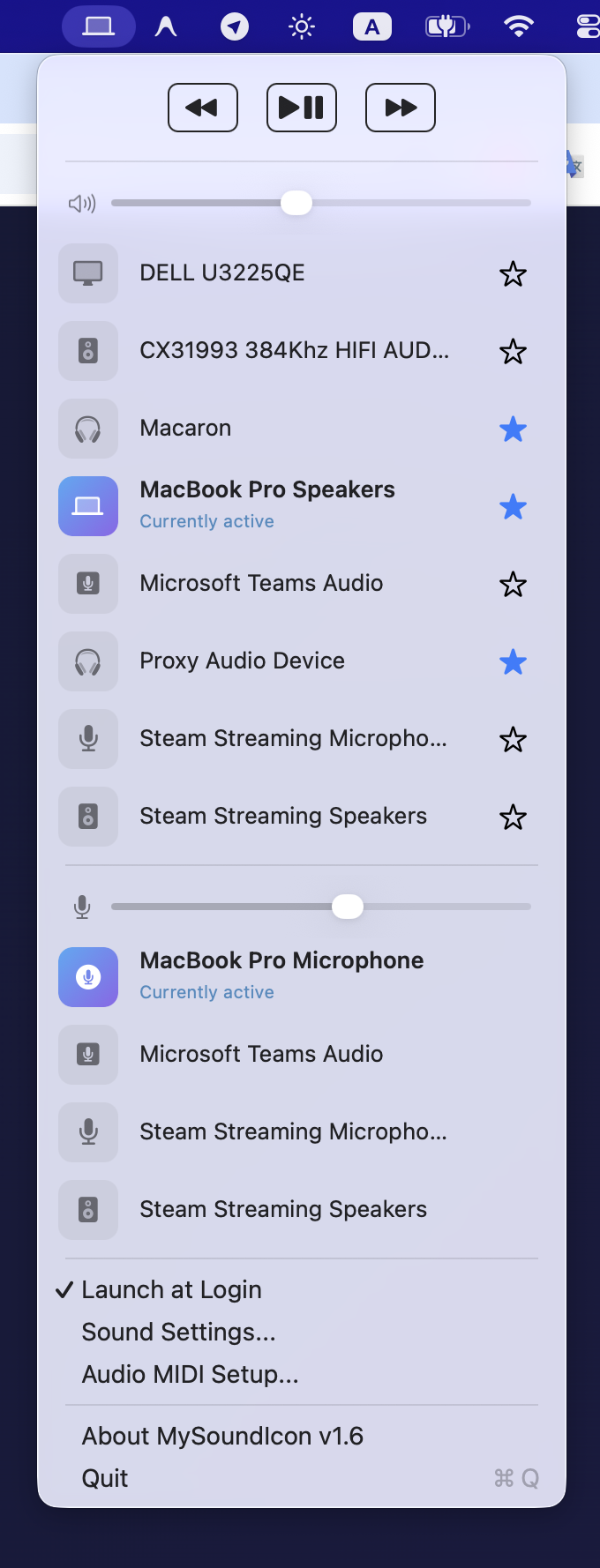
Add to favorite
Quickly switch between your favorite output devices
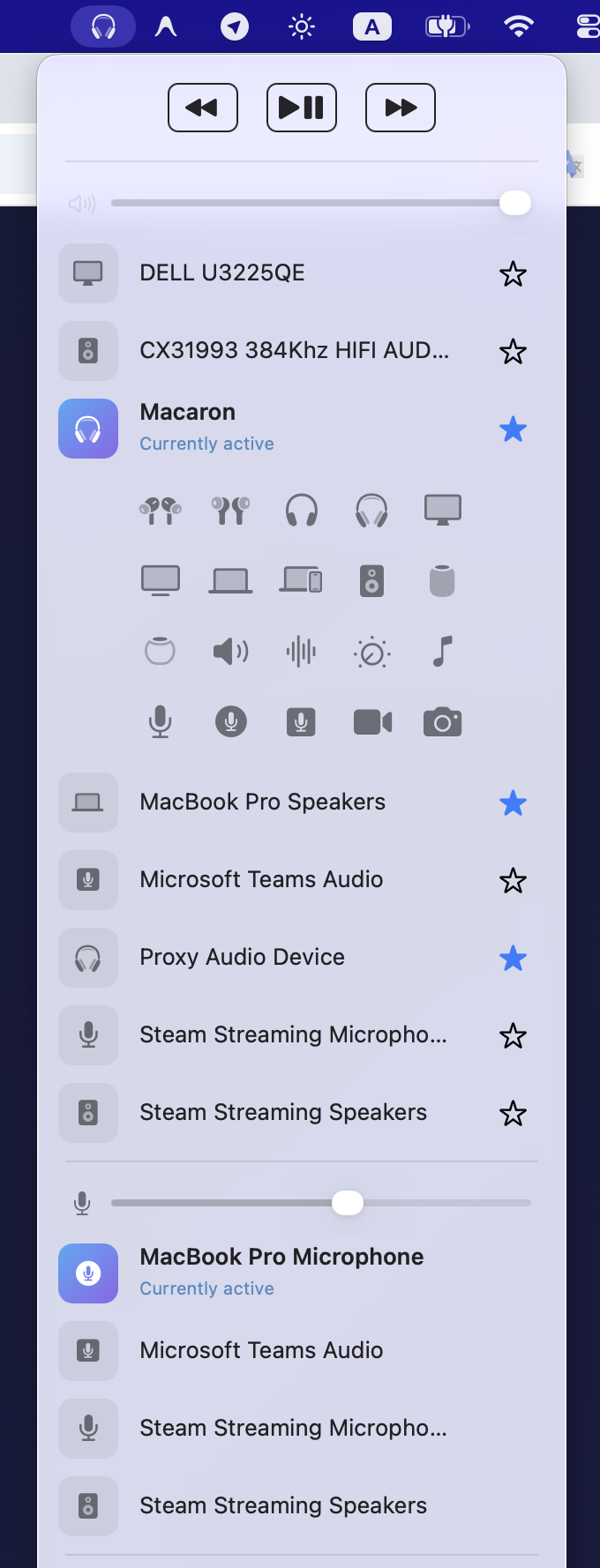
Customizable icon
Choose icon for your output device
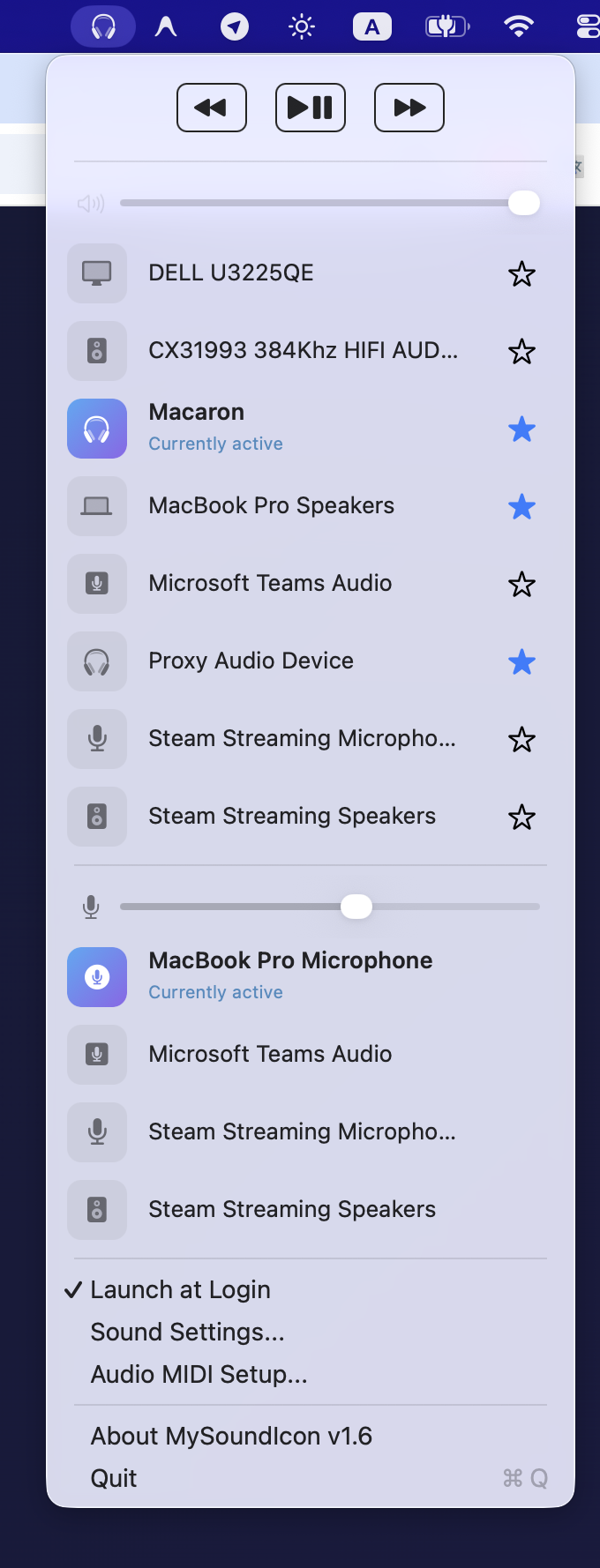
Switch favorites
Quickly switch between your favorite audio devices by right click
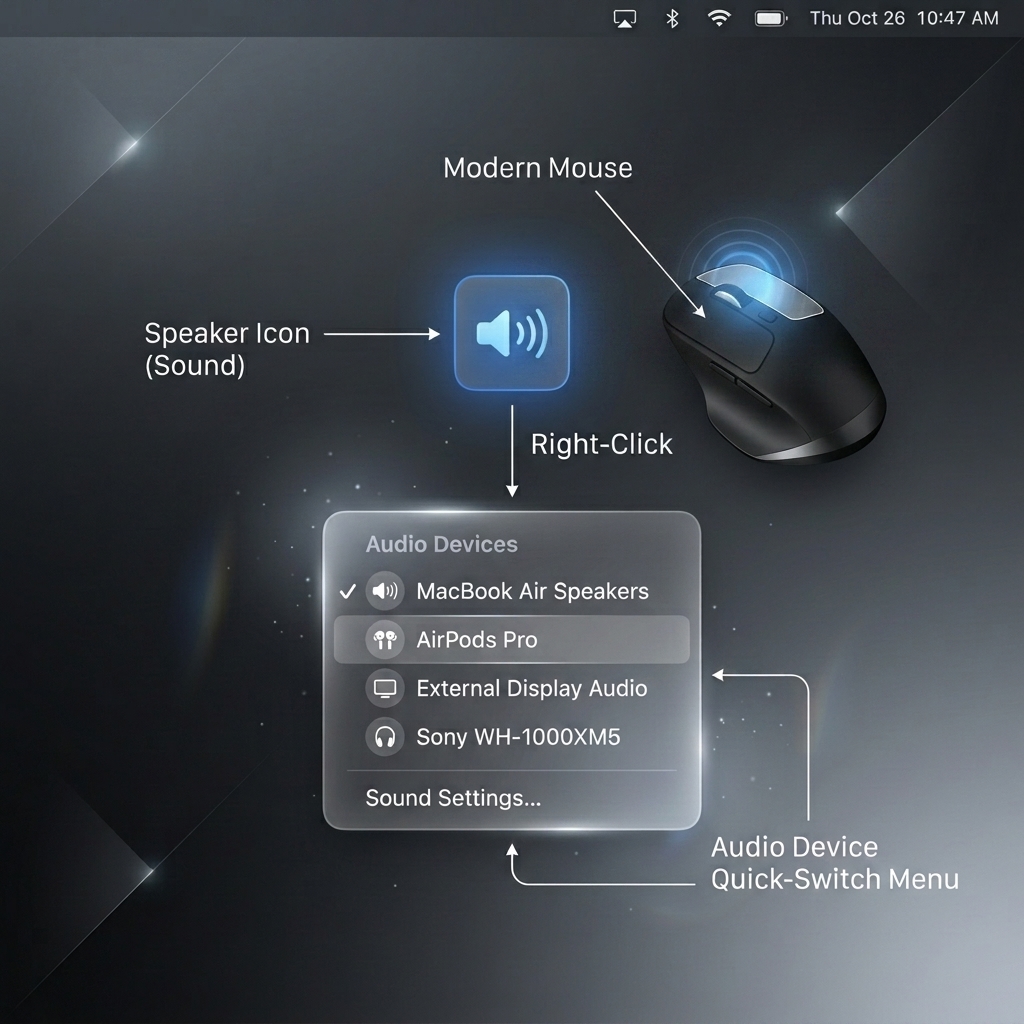
Right Click
Quickly cycle through your starred audio output devices without opening the menu.
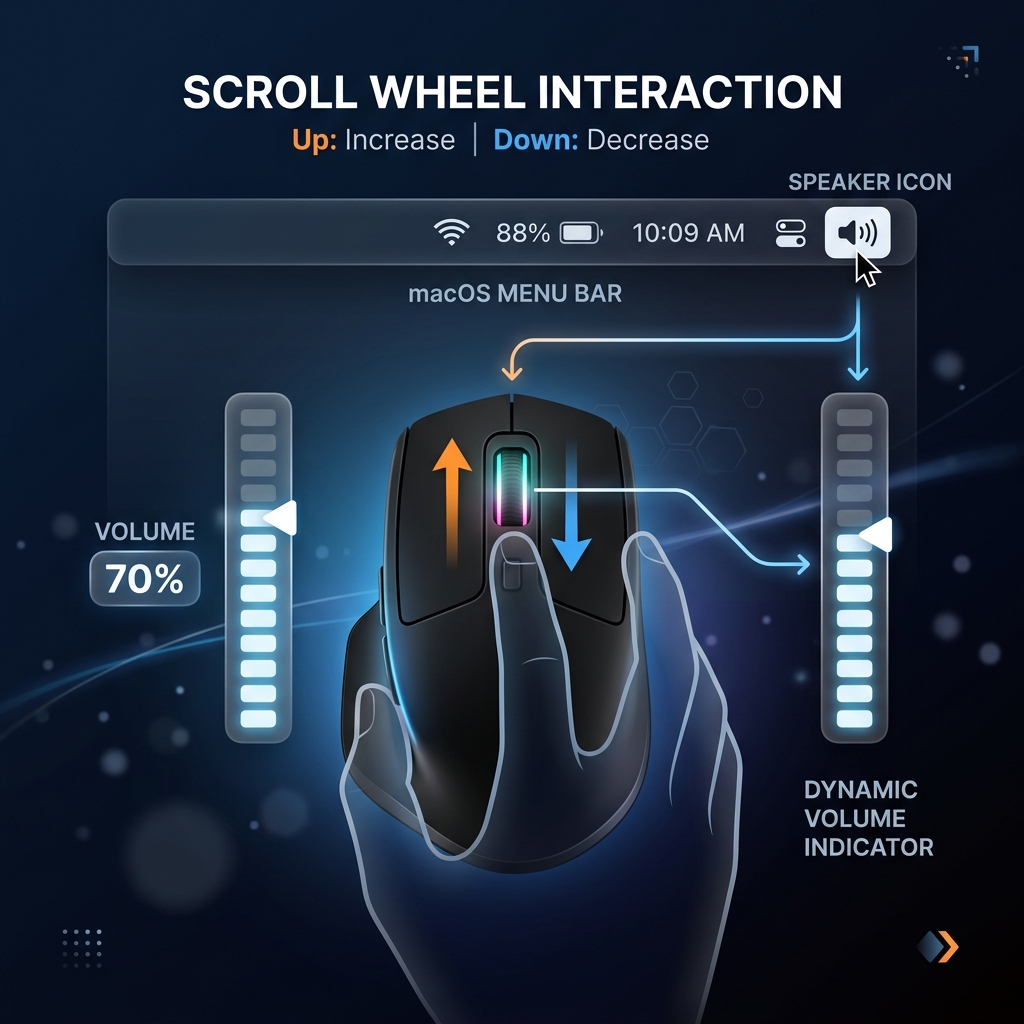
Mouse Wheel
Change volume instantly by scrolling up or down over the menu bar icon.
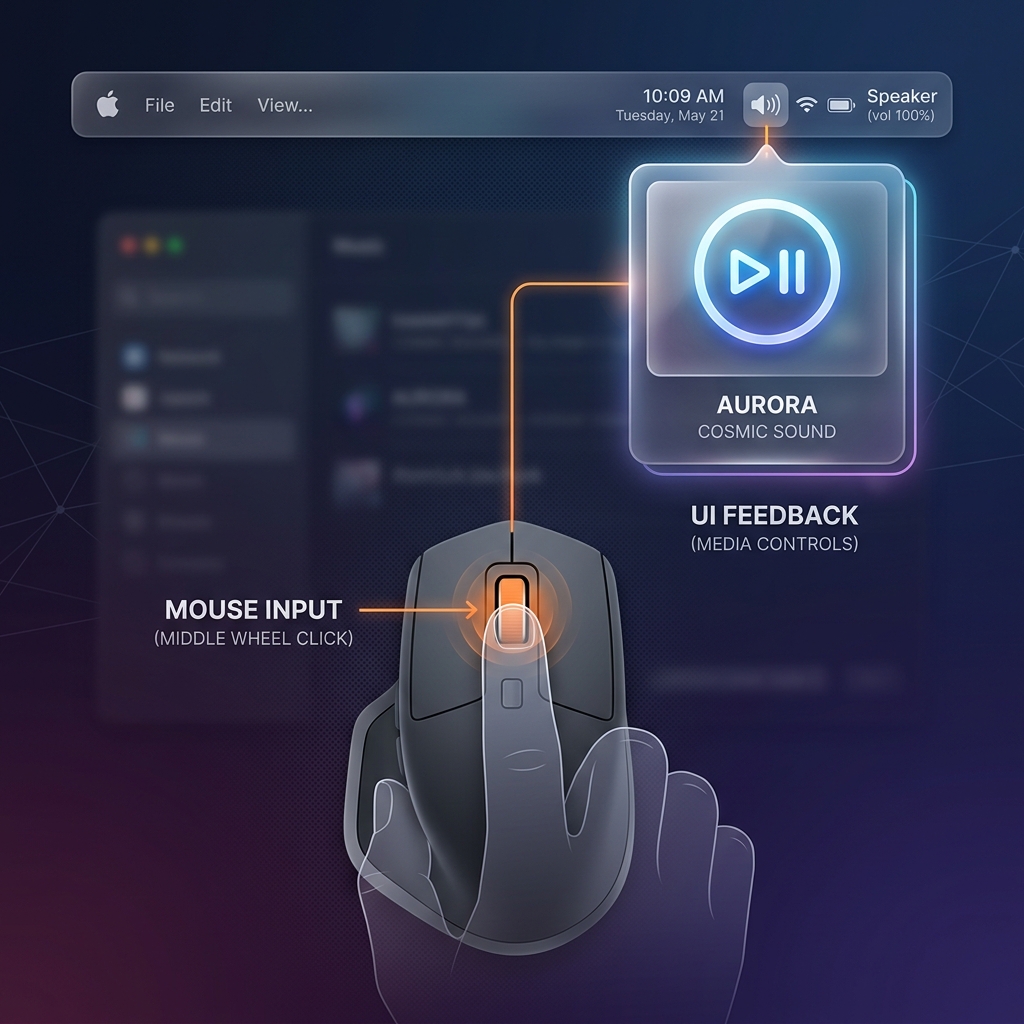
Middle Click
Play or pause your current media with a simple middle click on the menu bar icon.
Smart Quick-Switch
Star your favorite headphones and speakers. Simply right-click the menu bar icon to instantly cycle through them without opening a menu.
Customizable Icons
Assign unique Apple SF Symbols to every audio device you own so you can recognize your active output at a glance.
Built-in Media Controls
Play, pause, and skip tracks seamlessly straight from your menu bar using native macOS media event integration.
Pricing
Everything you need to control your audio devices is free. Sound Icon Pro is optional and unlocks the built-in local music player.
Free
$0
Switch audio inputs and outputs, star your favorite devices, assign custom icons, adjust volume, and use the menu bar media shortcuts.
Sound Icon Pro
$0.99/month or $9.99/year
Everything in Free, plus the built-in local music player: folder playlists, transport controls, and Now Playing integration. Starts with a 7-day free trial.
Sound Icon Pro is an auto-renewable subscription available on the Mac App Store, offered monthly ($0.99 USD) or yearly ($9.99 USD); prices are shown in your local currency and confirmed in the app before purchase. A 7-day free trial is available once per Apple Account. Payment is charged to your Apple Account at confirmation of purchase. The subscription renews automatically unless it is cancelled at least 24 hours before the end of the current period, and your account is charged for renewal within 24 hours before the period ends. Manage or cancel your subscription at any time in your App Store account settings. Any unused portion of a free trial is forfeited when you purchase a subscription. See the Terms of Use (EULA) and Privacy Policy for full details.